

Your infrastructure.
One clear picture.
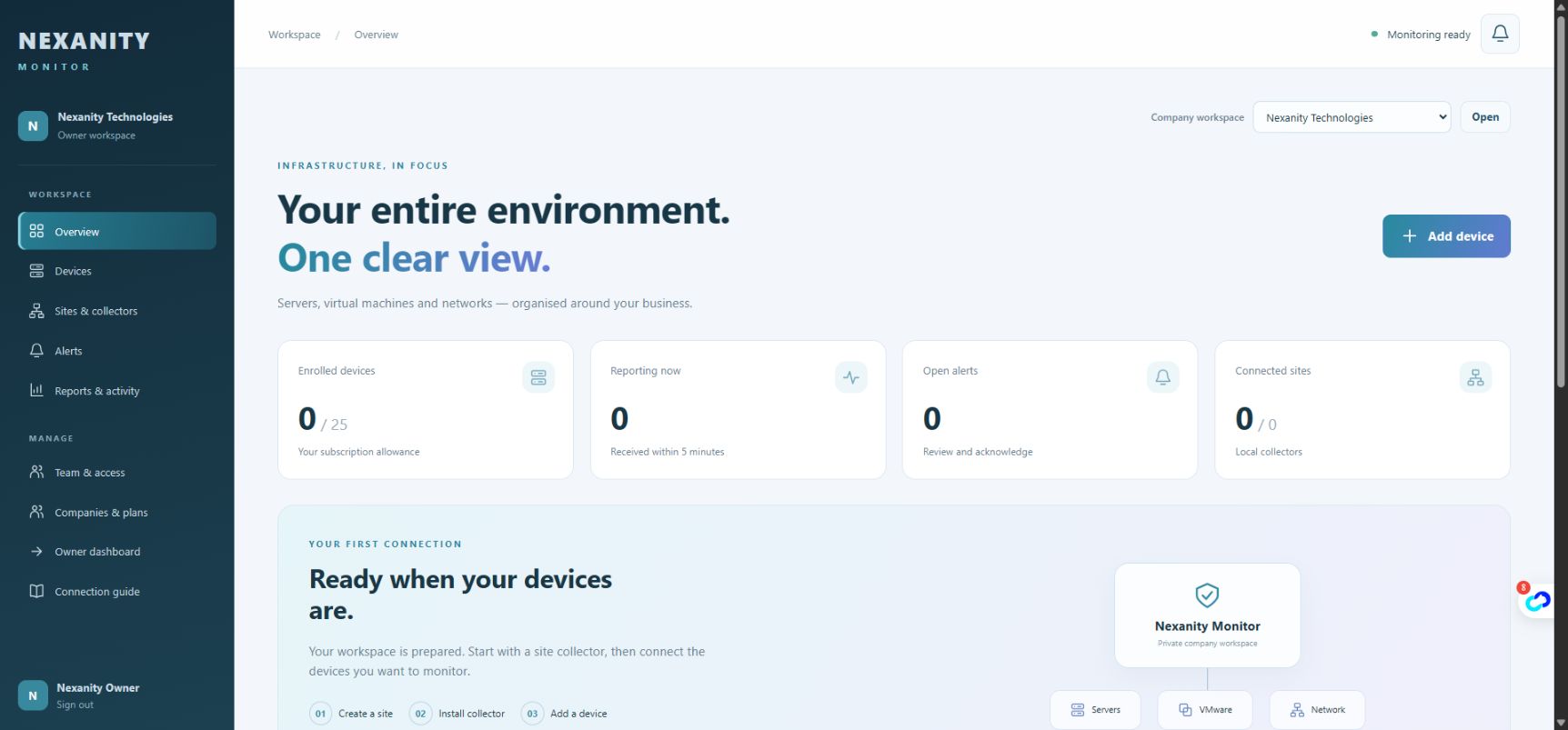
Bring server health, virtual infrastructure and network alerts into one organised workspace. See what needs attention and give your team a practical place to act.
Linux · Windows · VMware · Cisco & SNMP networks
User guide & datasheets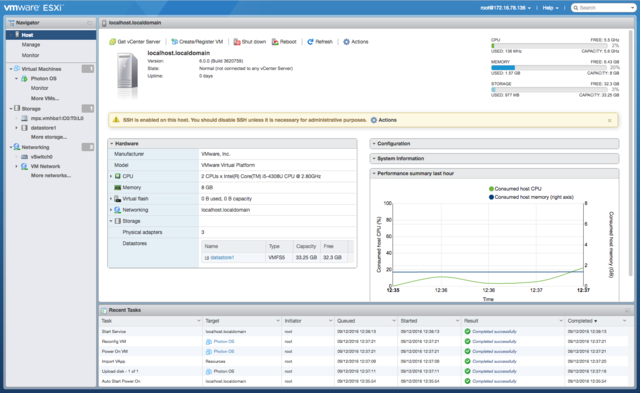 Collector VMOn your VMware host
Keep the important things
in view.
Organise devices by company and site, review current readings and investigate the events that matter.
Server health
Monitor CPU, memory, storage and supported operating-system metrics through Linux and Windows agents.
VMware visibility
Connect a supported vCenter or ESXi endpoint using a read-only account to collect host and virtual-machine information.
Switches & networks
Use SNMPv3 for supported Cisco and network devices. Review availability, interface traffic and device health.
Alerts with context
See severity and timing, acknowledge issues and set maintenance periods. Choose phone or browser push notifications for new issues and recoveries.
History & reports
Review recent metric trends and activity. Export a device summary when you need a clear operational handover.
Your company workspace
Keep company records separate, assign administrator, operator or viewer access, and manage devices within your subscription.
Your network.
Your choice of collector.
Use the infrastructure you already have, or choose a dedicated Nexanity Collector Box. Both connect your local equipment to Nexanity Monitor.
Nexanity Collector VM
Already using VMware? Download our prepared Linux appliance and import it into your existing host. A simple console menu guides activation, without Linux setup commands.
- Download and import the OVA.
- Connect it to your monitoring network.
- Enter your site activation code.
For x86-64 VMware environments. Network access, device permissions and pilot validation are required.
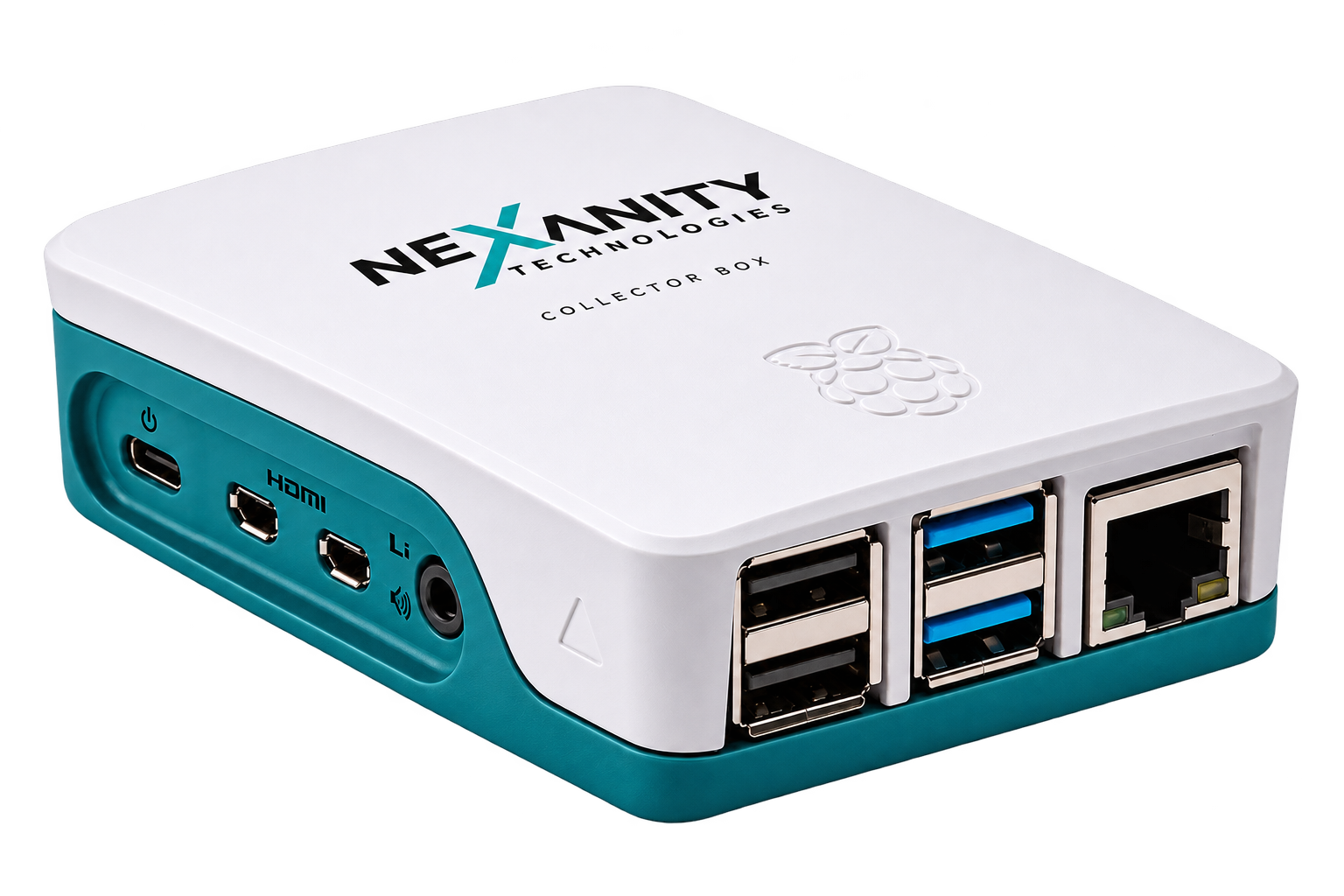
SMALL DEVICE. ALWAYS-ON VISIBILITY.Nexanity Collector Box
No virtualisation host? Choose our preconfigured Nexanity Collector Box. Nexanity prepares the collector for your site so your team can connect power and Ethernet, then complete onboarding.
- We prepare your compatible Collector Box.
- Connect power and your office LAN.
- Confirm the site connection in your dashboard.
Hardware is supplied by arrangement. Model, storage, availability and site configuration are confirmed before delivery. Product visual shows proposed branding.
Why a collector?
Your servers and switches usually use private addresses such as 192.168.x.x. A public cloud dashboard cannot reach those addresses directly. The collector sits inside your network, reads supported device information and sends it through an encrypted outbound connection. Your device management ports stay off the public internet.
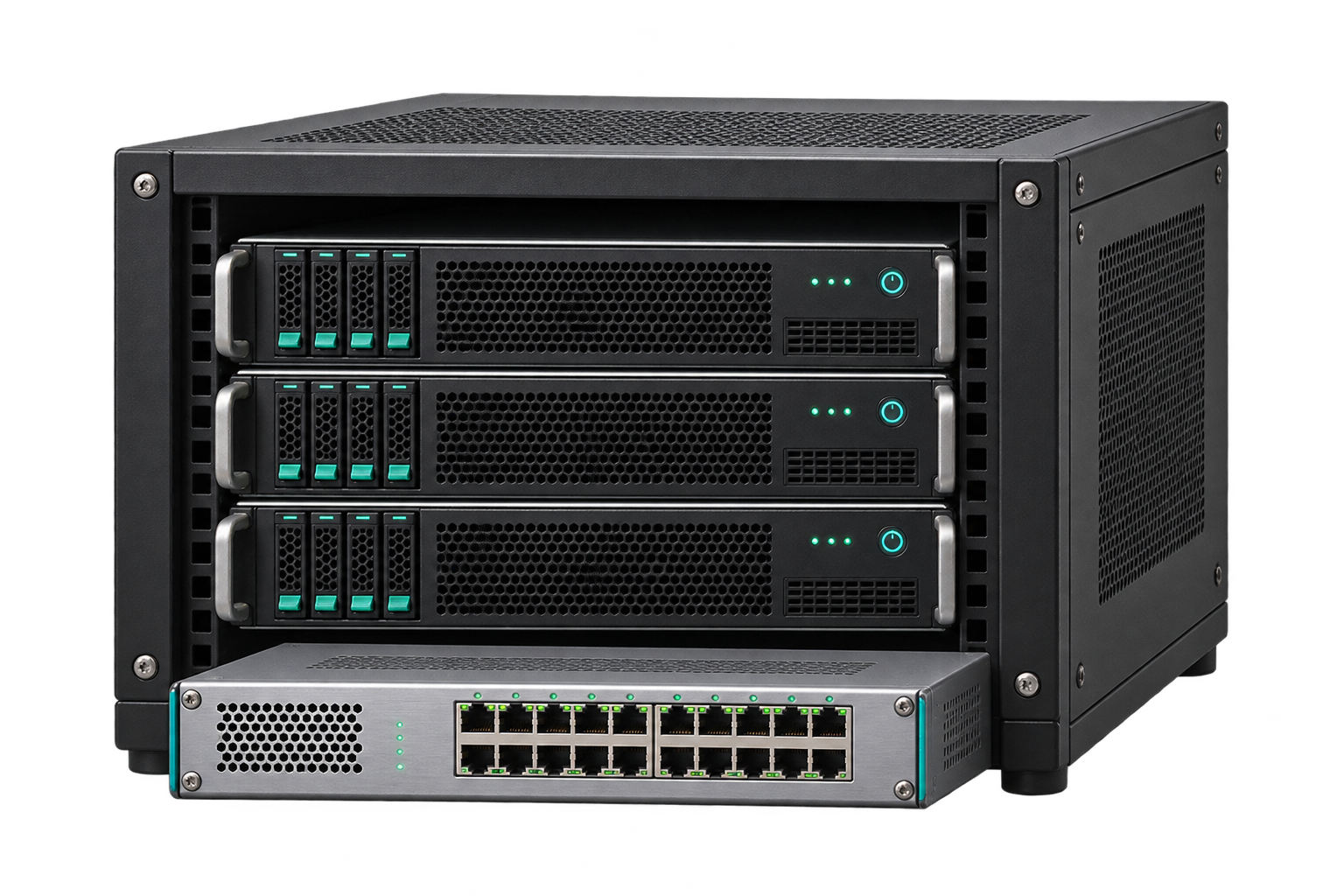
Servers & switches
Inside your local network
Collector VMOn your VMware hostYour site collector
One VM or one Nexanity Box
connection
Nexanity dashboard
One view of your infrastructure
A separately configured private VPN is another network design, but is not needed for our standard collector setup. Your IT team still configures read-only device access and permitted network routes.
Your workspace.
In your pocket.
Install Nexanity Monitor on your phone and keep device alerts close, even when the dashboard is closed.
Android & iPhone
Add Monitor to your Home Screen. Use the same secure login, company workspace and permissions on any screen.
Stay aware of changes
Choose notifications for new monitoring issues and recoveries. Open an alert to review the details in your workspace.
Private by design
Simple lock-screen alerts, without device IPs or credentials. Turn notifications on or off separately on each device.
iPhone notifications require iOS 16.4 or later and the installed Home Screen app. Permissions, connectivity and phone settings affect delivery.
See installation instructions ↗Everything you need.
Ready to share.
Explore the product, prepare your site and guide your team through setup. Keep a copy for your IT team.
Product Datasheet
A concise introduction to monitoring capabilities, collector options and how the platform fits your infrastructure.
User Guide
Step-by-step help for your workspace, Collector VM or Box, device connections, alerts and daily monitoring.
Setup Requirements
A practical checklist for VM resources, network connections, device access and your first monitoring pilot.
Monitoring questions, answered.
Can our team use the same website login?
Yes. Monitoring clients use nexanitytech.com/login with their assigned account. Access is limited to their company workspace and role.
Do devices need a public IP address?
No. A local site collector reaches supported devices within your network. Its outbound encrypted connection is configured during onboarding.
Does this provide remote desktop or change switch configurations?
This product focuses on monitoring and alert management. Remote desktop, automatic repair and network configuration changes are not included in the current monitoring workspace.
What is included in a subscription?
We agree the number of devices, team seats, sites and support scope. Device compatibility, connectivity and alert behaviour are validated with your team before production use.
Will email or SMS alerts arrive automatically?
The workspace includes dashboard alerts and optional push notifications on supported phones and browsers, including when the dashboard is closed. Email and SMS delivery are not enabled; those channels can be scoped separately.
Bring your environment into focus.
Tell us about your servers, sites and network devices.