
Nexanity Shield Firewall Router
Get a physical firewall router from Nexanity with Shield already installed. Connect your internet lines, set access for your team and manage the network from your browser.
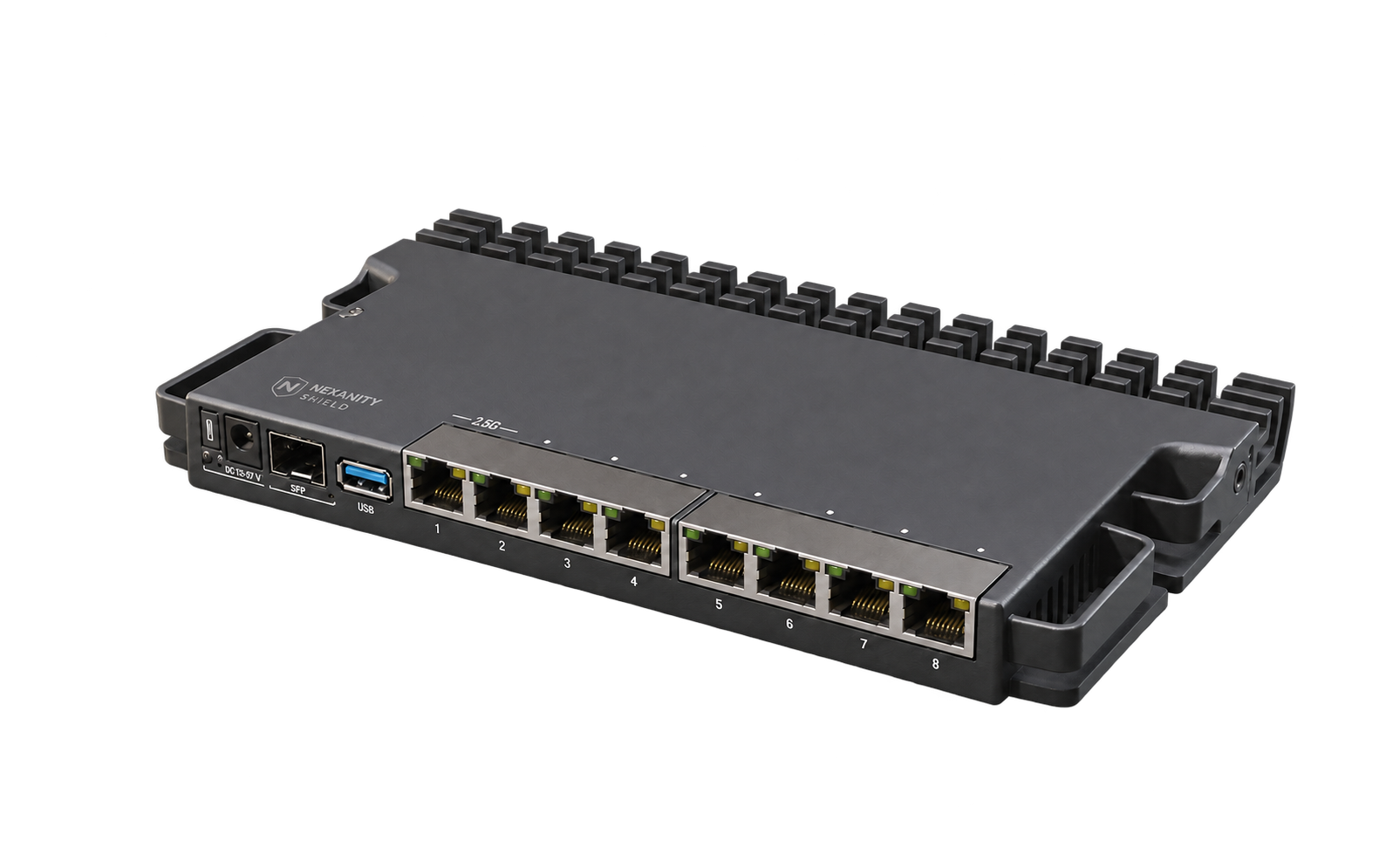
Manage the connections your office uses.
Two internet lines
Share new connections across two providers or use the second line as a backup. See which links are online and choose each line’s share.
Web access by group
Group devices by MAC address, IP range or LAN subnet. Block selected sites for a whole group and allow individual devices an exception.
Firewall and VPN
Manage firewall rules, NAT and port forwarding. Find WireGuard and IPsec settings in the Shield dashboard.
Ports and traffic
See which physical ports have a link, view interface traffic and check CPU, memory and storage on the router.
Why buy Shield from Nexanity?
Receive a physical firewall with Shield installed. Keep a second ISP available for a branch office, give a staff group its own web and application policy, and review threats and traffic in the local dashboard. Built-in English guides take administrators through setup. You can grant Nexanity support access over a management VPN when needed.
From delivery to your first connection.
- Request your router
Tell Nexanity about your office, internet providers and VPN requirements. We confirm the hardware and licence with your quote.
- Connect at your site
Use the WAN and LAN ports on your handover sheet. Open the local dashboard from a connected computer.
- Activate and manage
Use the router’s appliance ID to request its licence. Check for signed firmware releases under Updates & recovery.